


>90
More than 90 programs
7th
San Antonio is the 7th largest city in the U.S.
>900
More than 900 residents and fellows
Clinical partnerships
Our major clinical partners are University Health System, South Texas Veteran’s Health Care System (Audie L. Murphy VA Hospital), Brooke Army Medical Center, and the UT Health-San Antonio/M.D. Anderson Mays Cancer Center, the only National Cancer Institute-designated cancer center in South Texas. As the only civilian academic medical center and civilian Level I Trauma Center in the region for adults and pediatrics, we develop the knowledge, people, processes, and medicine to make health happen for our community and beyond.
Clinician Educator Track
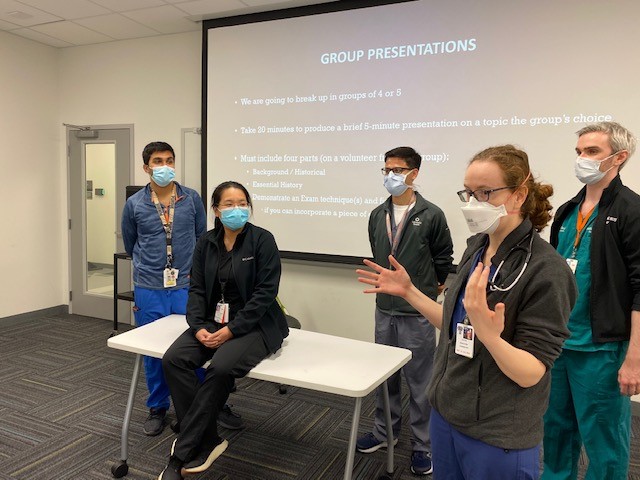
The Clinician Educator Track (CET) program is an enrichment opportunity for residents and fellows who would like to improve their teaching skills and learn more about Academic Medicine. Residents and fellows participate in monthly seminars and may be assigned teaching activities through their individual training programs.
Non-Medical Drivers of Health Training
The Office for Graduate Medical Education at the Joe R. and Teresa Lozano Long School of Medicine, in partnership with Humana, will co-sponsor an immersive experience designed to highlight the challenges that exist in addressing health-related-social determinants of health in the current healthcare ecosystem. This is part of an overall strategy to create a more equitable healthcare environment and remove barriers to help our communities in South Texas achieve their best overall health.
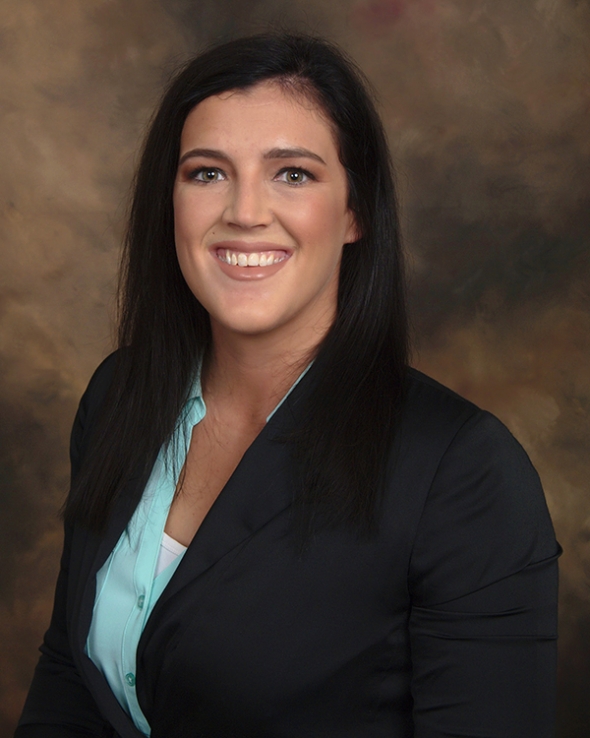
Allison Laffoon, MD— General Surgery"I chose the Long School of Medicine because of the amazing residents and staff I get to work with and learn from. My co-residents understand exactly what I am going through and what I need to continue moving forward. Our faculty and staff members value the life I lead outside of the hospital, they celebrate my victories and support my husband and me in the hardships we all inevitably must go through."